
The Synergy Touch – DIVUS TOUCHZONE
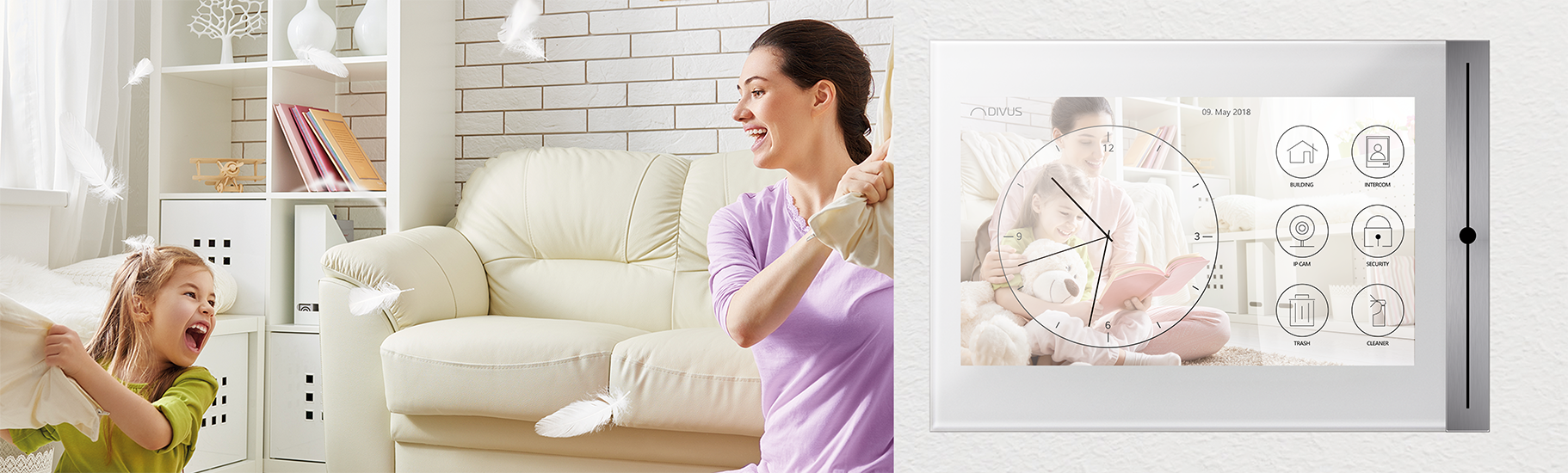
The touchpanel combines the functions of a smartphone with building security functions. It is the product innovation for more comfort and security in every smart building!
NEW: The award-winning TOUCHZONE in a new guise - new visor, new launcher!

DIVUS SYNCHRONIZER
The "missing" tool: EASY- COMFORTABLE - FAST
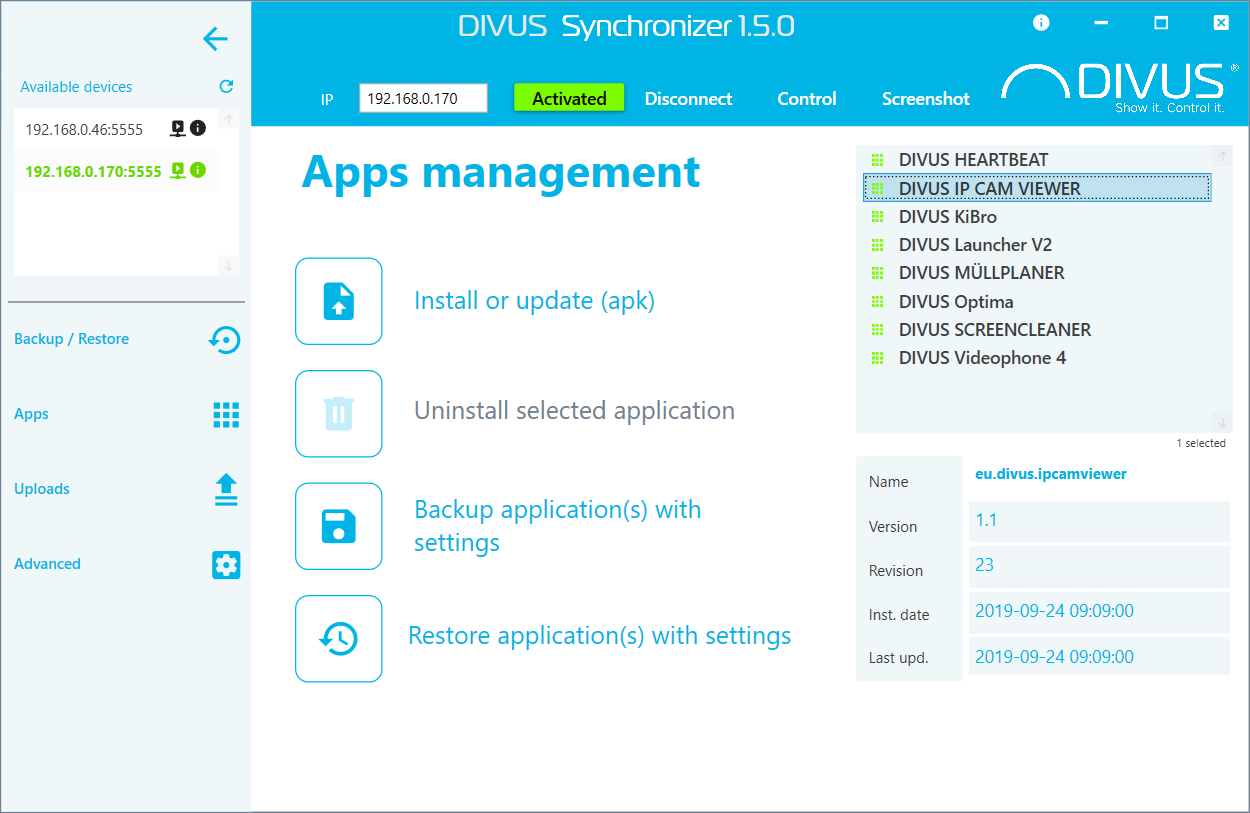
Let's take a closer look at the many benefits:
- Backup + Restore of TOUCHZONE conveniently from the office chair: should a panel fail, do not worry! Your project is secure!
- Pre-configuration of the DIVUS TOUCHZONE at the office: at the construction site, the settings only need to be transferred to the other devices - uncomplicated and professional!
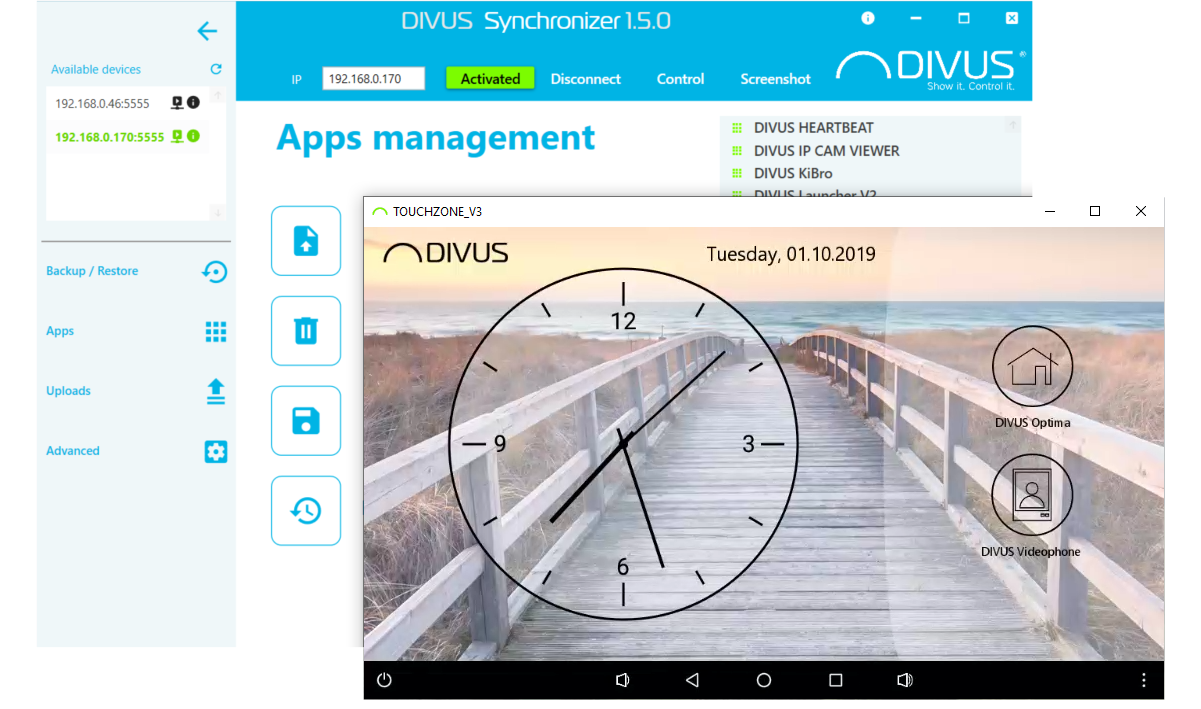
- You can unlock a remote access: changes can also be made by way of the screenshot of the device. This means that you have a control function without moving from your office.
- Remote access is designed for troubleshooting: you can check the affected functions directly from the office and respond promptly to the problem - your customer will thank you! Because we are not telling you anything new: satisfied customers are returning customers.
With the DIVUS Synchronizer we give you the possibility to make your work easier and more uncomplicated, which of course also saves you time and money.
The commissioning of projects where several DIVUS TOUCHZONE are involved is going to be much faster thanks to this tool! The DIVUS Synchronizer lets you access remote, create backups, and restore devices. You are free to comfortably work from your office, without having to be on site with the customer!
DIVUS Synchronizer: SIMPLE, COMFORTABLE + FAST!
The new version 1.5 has been completely redesigned and brings many new features.
Download: DIVUS Synchronizer 1.5
The URL gives access to the download page of the Synchronizer. Download the "setup.exe" to your computer and run it: the installation is done in a few clicks and you can start working with it. For safety reasons check always the certificate that guarantees the origin of the DIVUS SYNCHRONIZER.
[Please note that the SYNCHRONIZER will work with second generation TZ starting from version R3.4 or third generation TZ (which are the newest) starting from version R4.6! For KNX IQ it will be supported from the first release.]
For details, see the DIVUS Synchronizer manual.
-
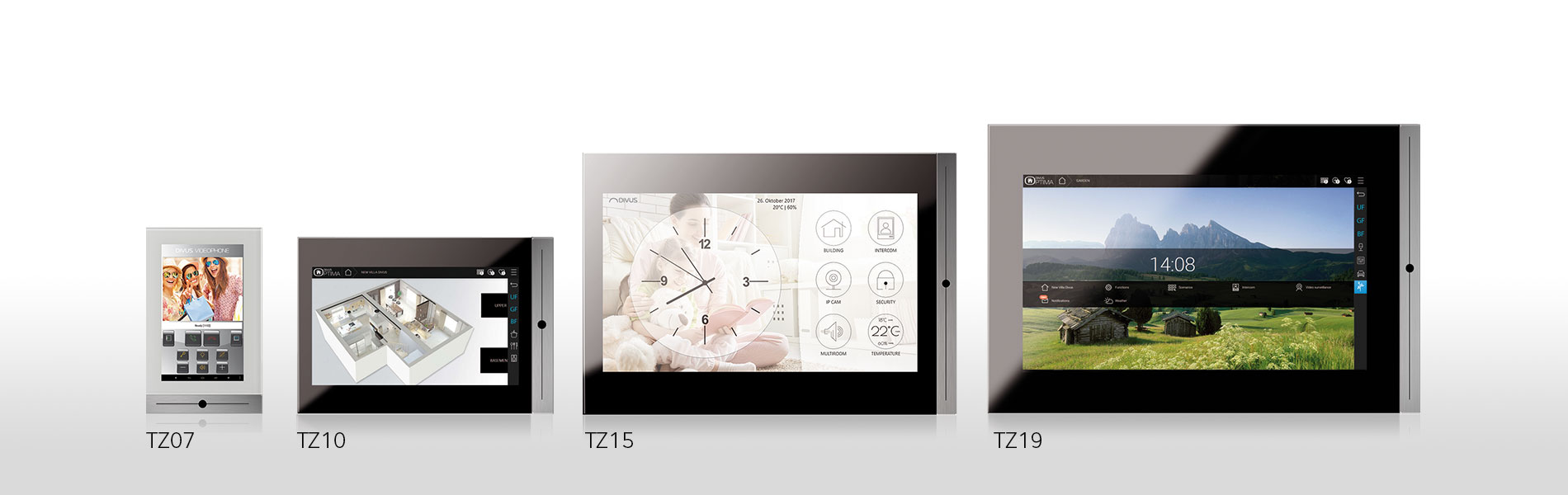
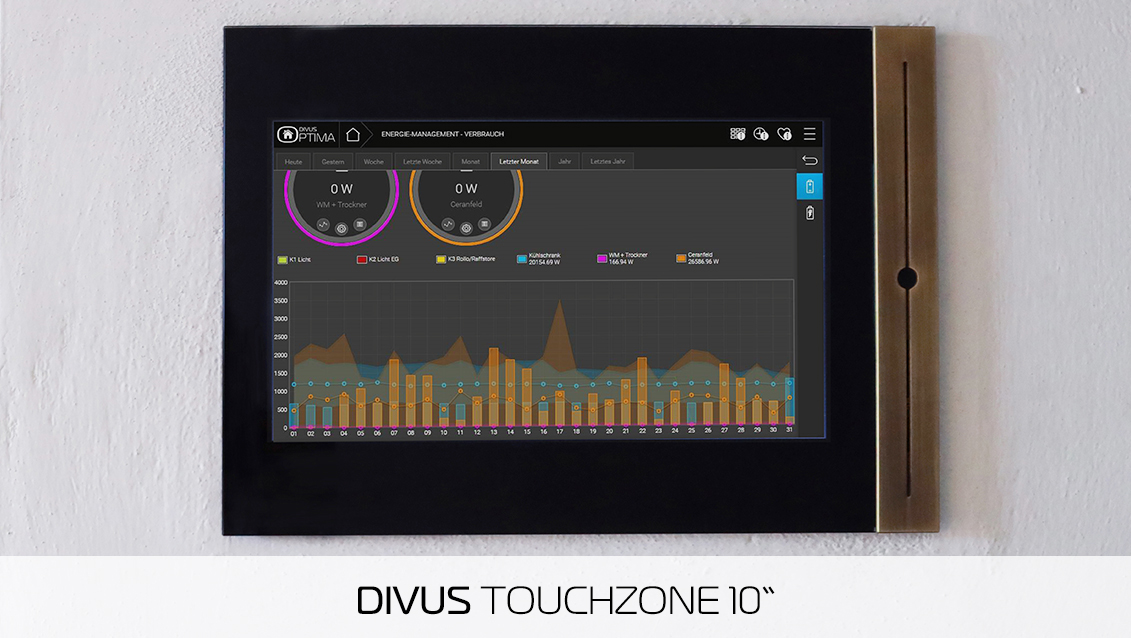
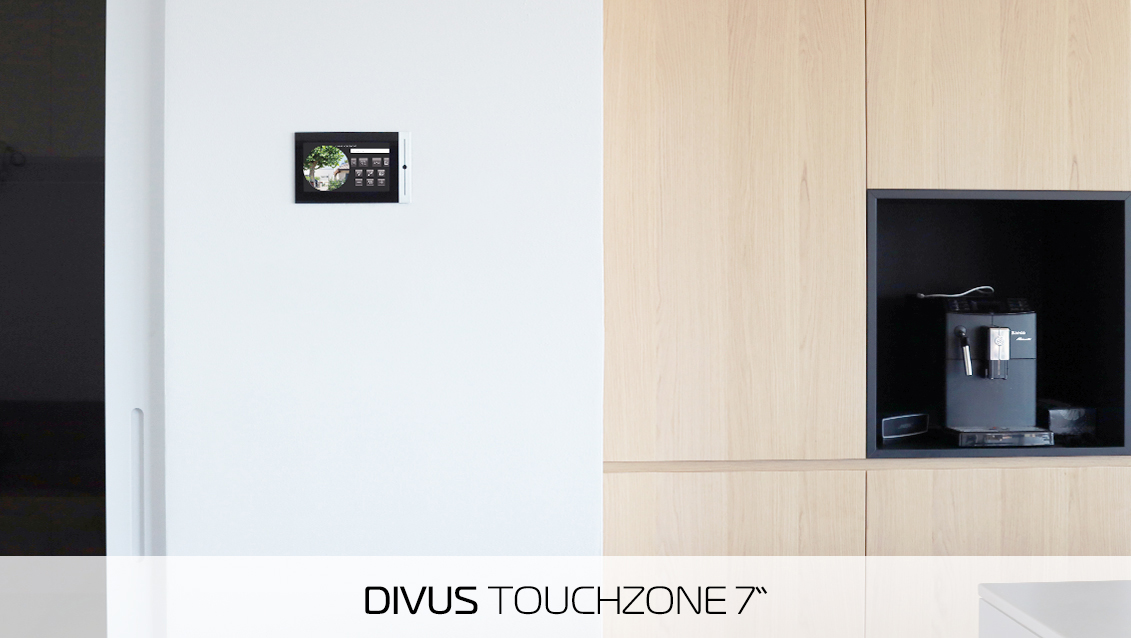
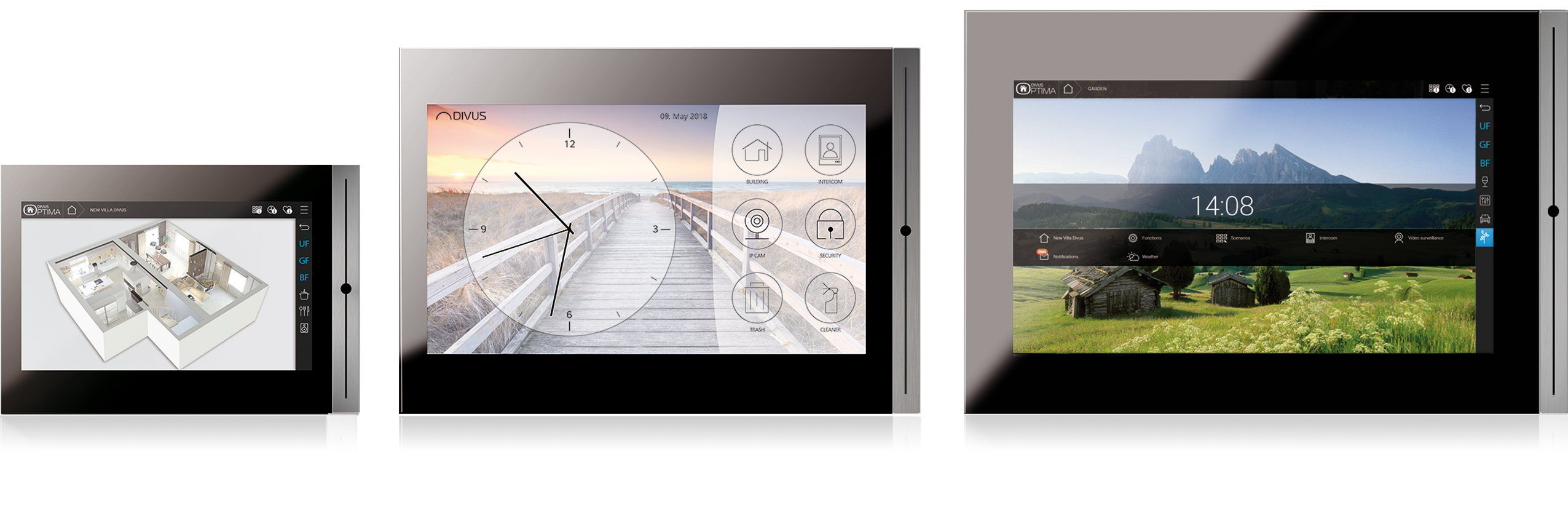 DIVUS TOUCHZONE is available in the following sizes: Display 17,8cm – 25,7cm – 39,6cm – 47cm (7" - 10" - 15" - 19")
 -
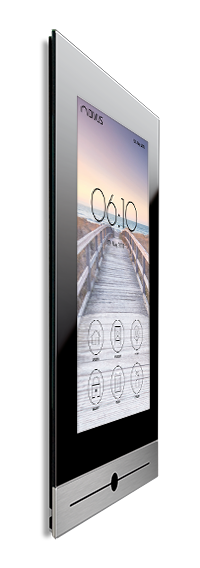
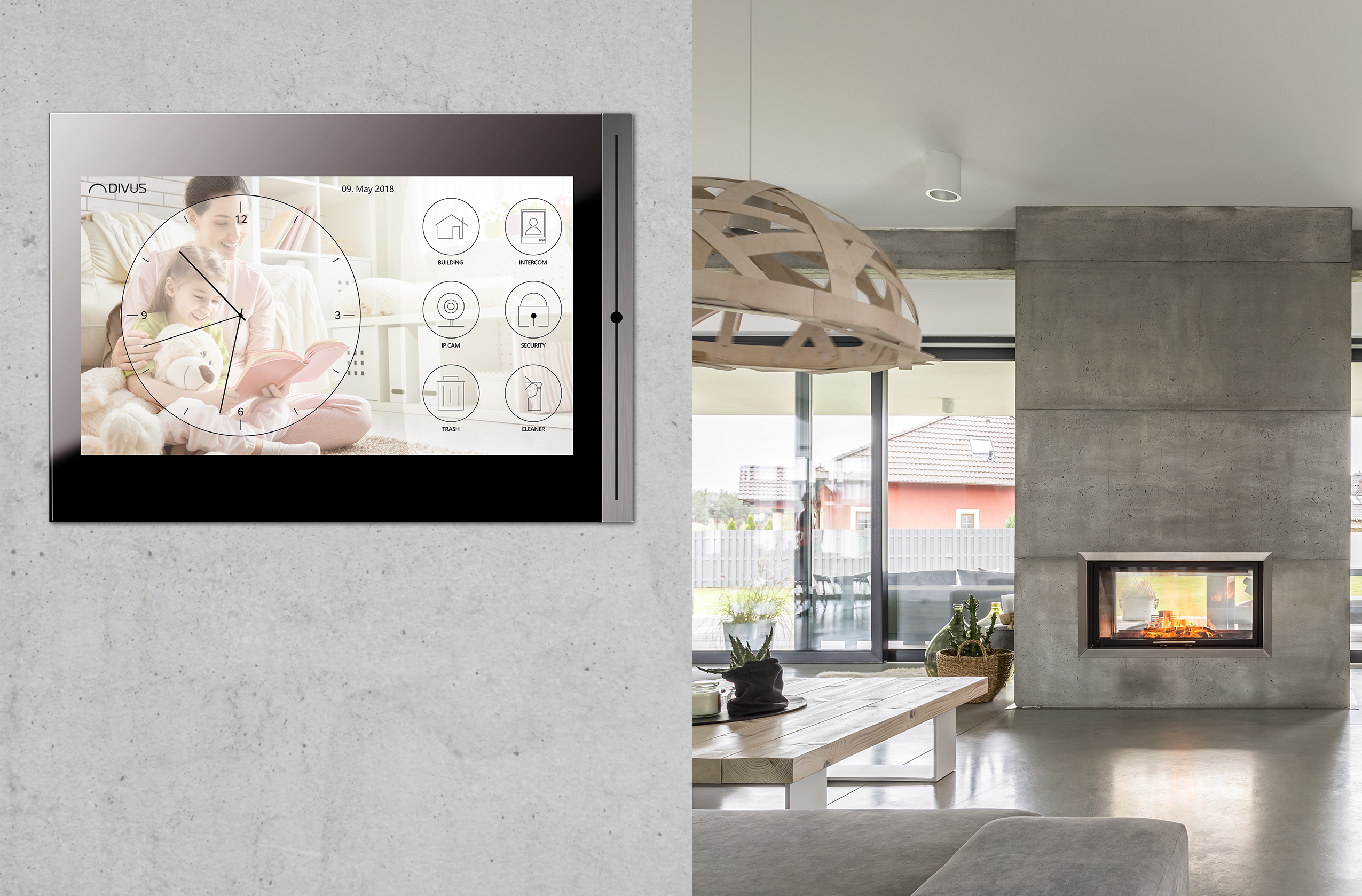 The high-quality materials glass and aluminum give DIVUS TOUCHZONE its elegant and unobtrusive appearance.
 -
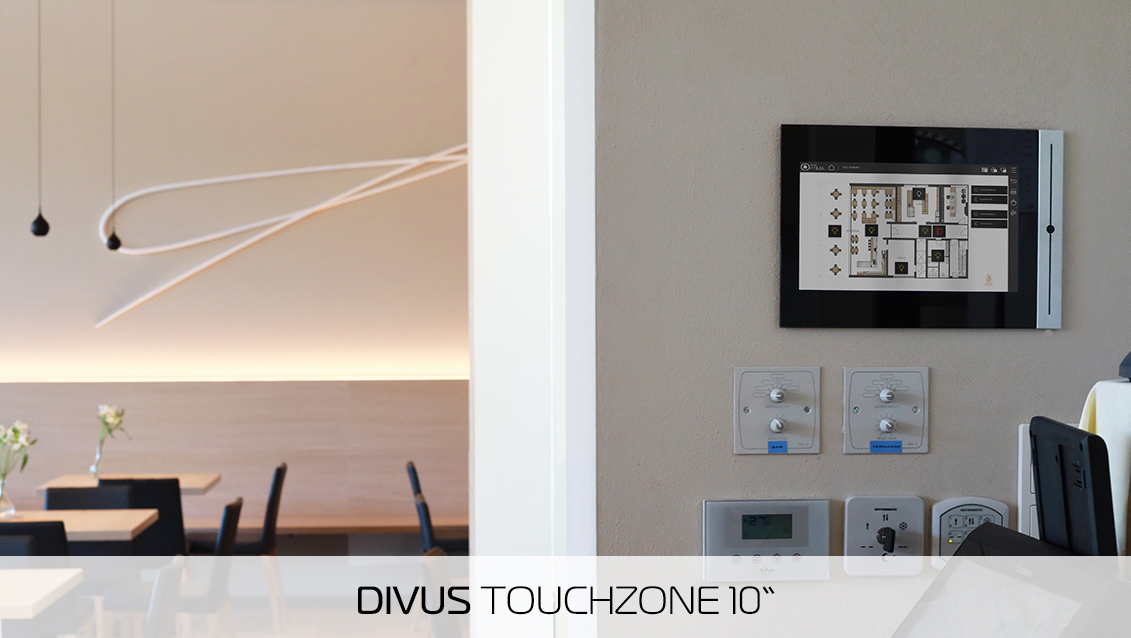
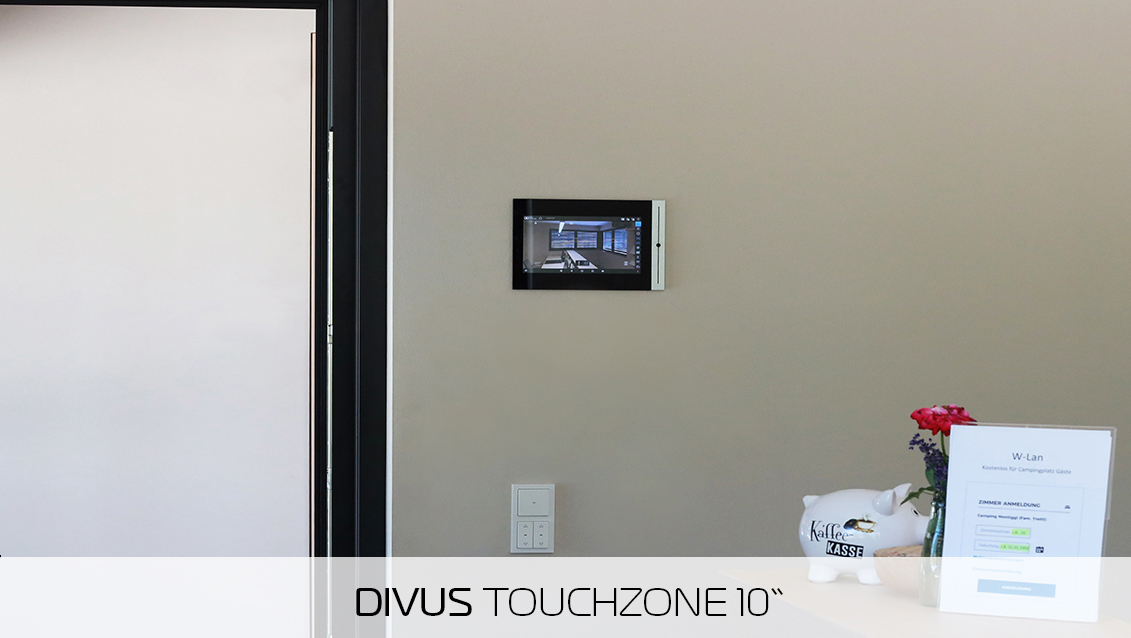
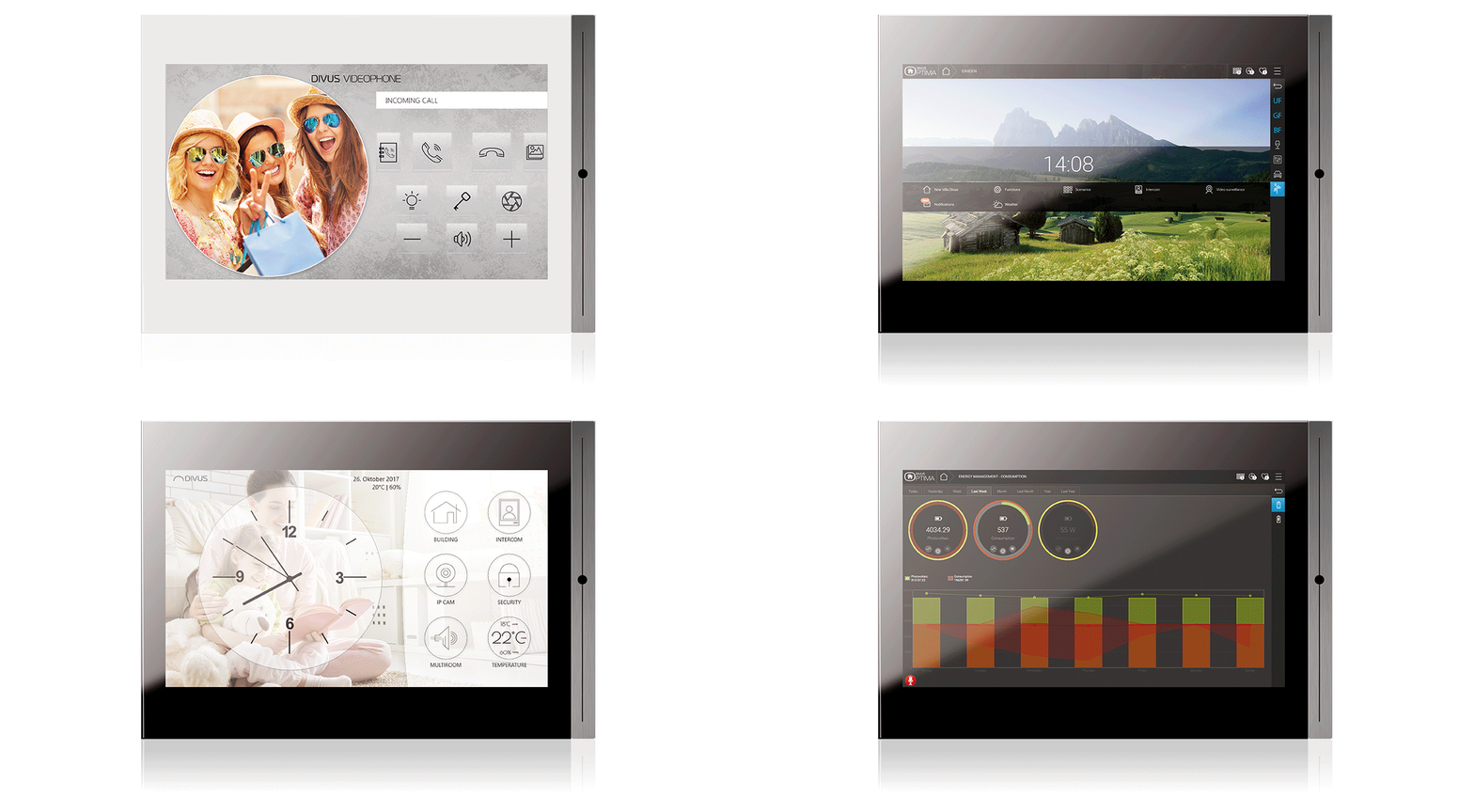 DIVUS TOUCHZONE is a
- glass multi-Touchpanel for an intuitive handling in residential and commercial buildings
- dedicated screen for controlling temperature, lighting, shading and more
- home audio control panel
- an elegant interior intercom station
- control panel for energy and security management of the building
- artwork for the wall – Made in Italy
- call system for office, surgery, conference room
- glass multi-Touchpanel for an intuitive handling in residential and commercial buildings
Touchzone Apps
-
Intercom
Intercom
DIVUS VIDEOPHONE 4 Android App
With the new DIVUS VIDEOPHONE 4 software, DIVUS completes its intercom portfolio and enables intercom on DIVUS TOUCHZONE, as well as on other supported mobile devices. The app allows both the audio communication with a connected IP remote station (such as DIVUS OPENDOOR) as well as the representation of the video image. -
IP Cam App
IP Cam App
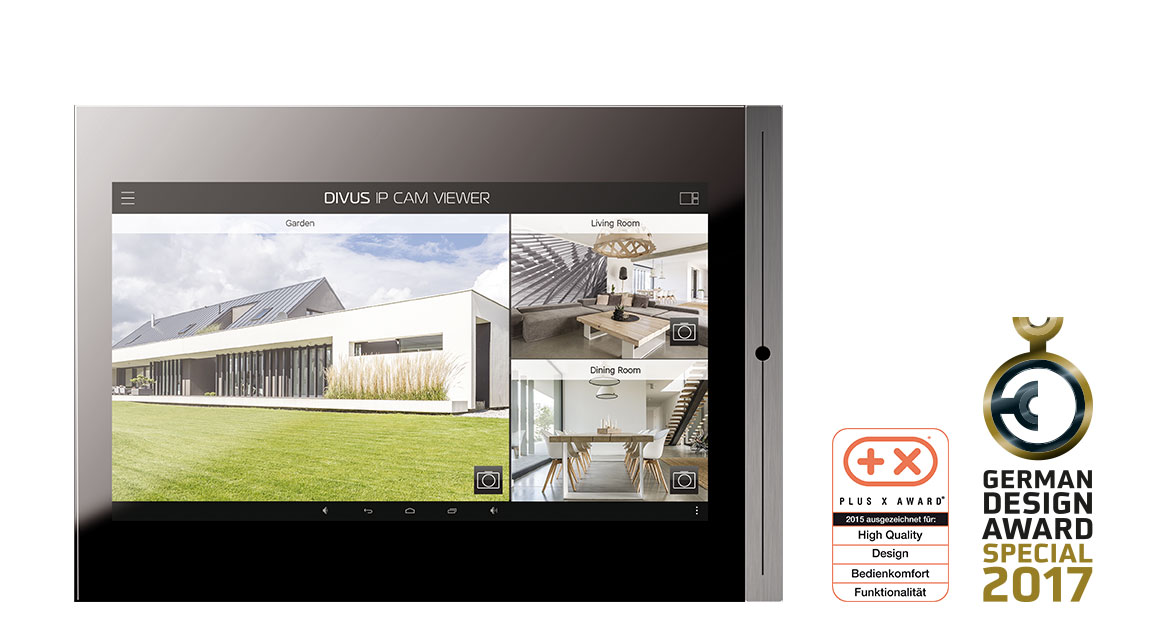
App DIVUS IP CAM VIEWER
With this app, you have the ability to access IP cameras to control your home or holiday home, and see in real-time what is happening around you.
DIVUS IP CAM VIEWER makes it easy to connect to local / remote IP cameras of different types and take snapshots of the current image.
Up to 6 cameras can be displayed at the same time and with a single click a camera can be displayed in full screen. With the new DIVUS IP CAM VIEWER you get the most out of your IP cameras and increase your monitoring capability; nothing will ever pass unnoticed. -
Müllplaner
Müllplaner
App DIVUS MÜLLPLANER
This app is designed to help you manage and dispose of household garbage and waste so you can focus on more important things.
DIVUS MÜLLPLANER provides a calendar for the overview of past / future collections, with a simple click existing tons can be deleted or new unlabeled, colored tons can be added to periodic intervals. In addition, various reminders about upcoming collections can be set and holidays can be managed. With the DIVUS MÜLLPLANER the management of the household becomes a little easier. Note: The built-in holidays are limited to German-speaking Europe. -
Kibro
Kibro
App DIVUS KIBRO
DIVUS KiBro is the perfect application for those who want to display web content in full screen mode.
This is a small, lightweight kiosk browser, which provides various options for easy configuration. The server URL can be set, but also the startup behavior of the app, the display behavior (display always on when app in the foreground, or use of the power settings of the device) and much more. -
Heartbeat
Heartbeat
App DIVUS HEARTBEAT
With this app you can easily access the DIVUS HEARTBEAT reporting directly from your TOUCHZONE.
You will need to enter IP / Hostname from your DIVUS HEARTBEAT, and the app will automatically connect to a web page where the report of the current network will be generated. Once the report is created, you can send it to multiple email addresses so you can view it from your PC.
The DIVUS HEARTBEAT app goes hand in hand with your DIVUS HEARTBEAT.

Design
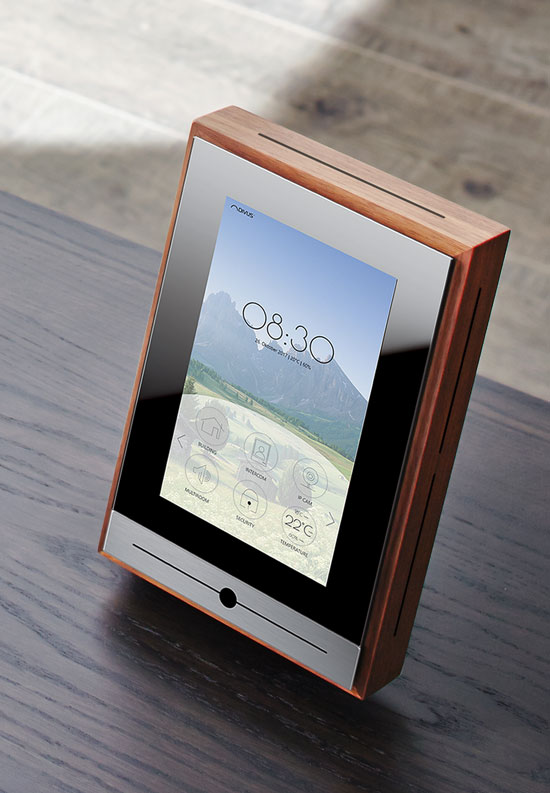
On Table Console
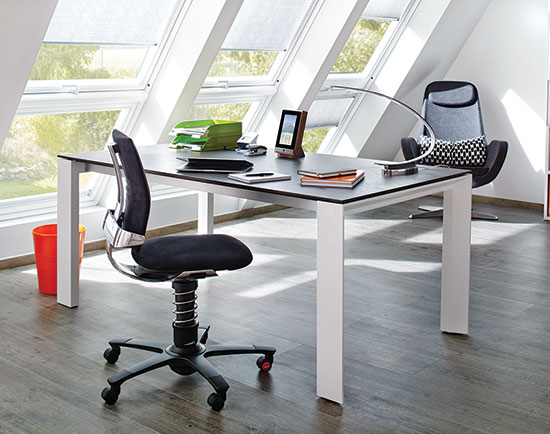
Why a TOUCHZONE On Table Console?