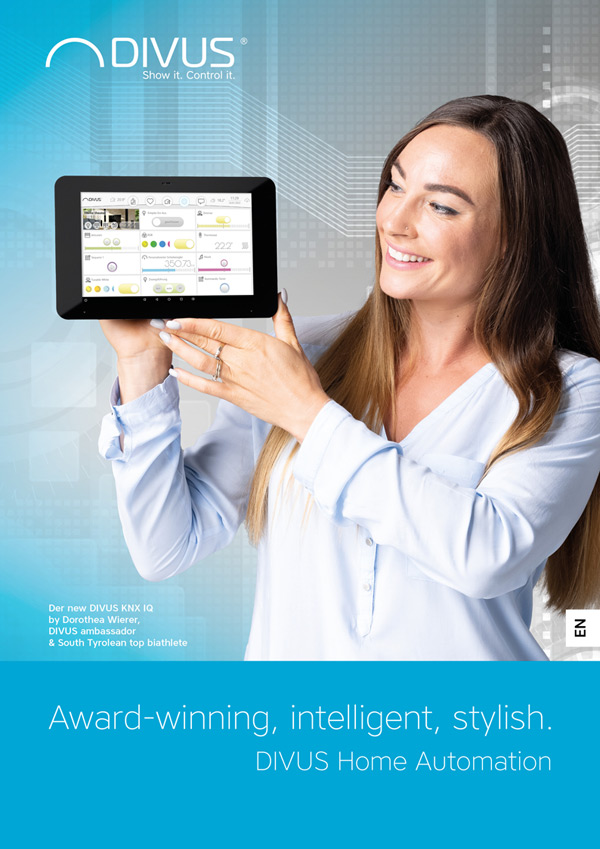
DIVUS VISION - The intuitive interface for your home
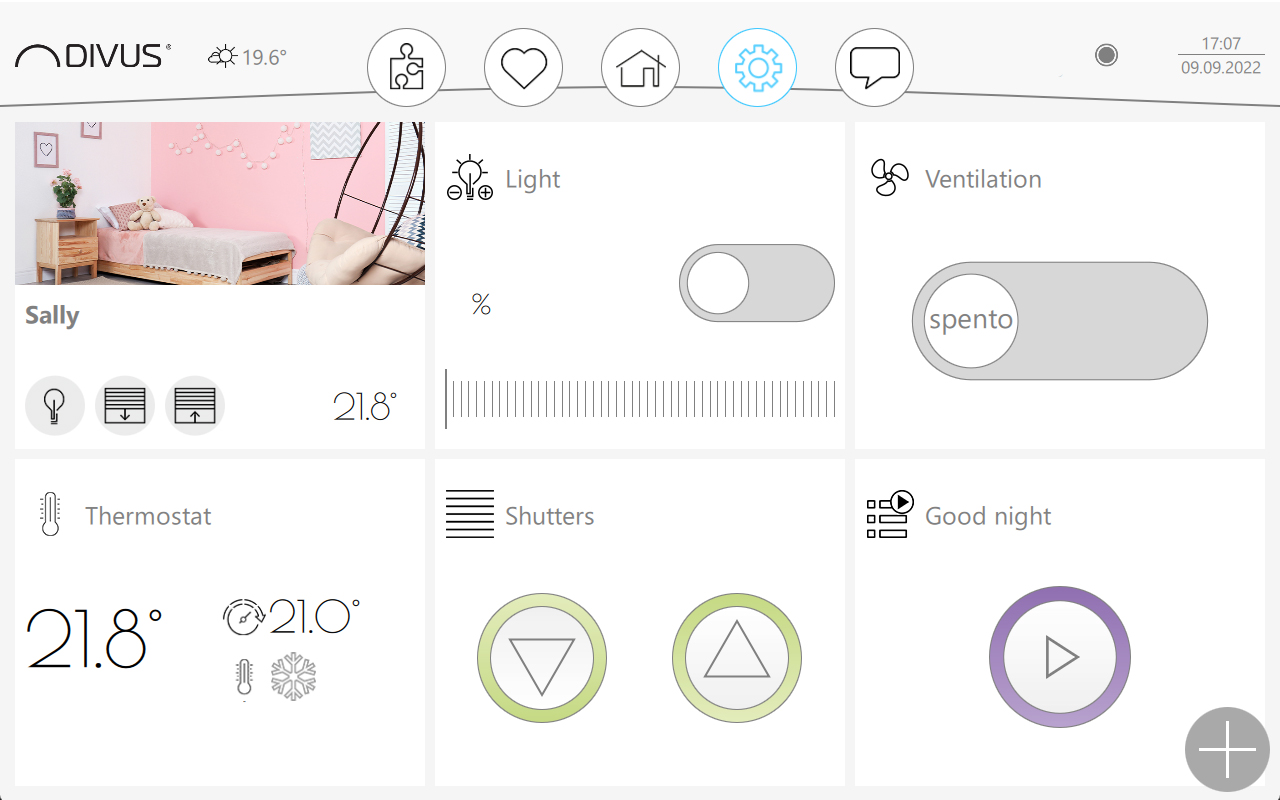
DIVUS VISION leaves nothing to be desired when it comes to intelligent building control. Functions such as lighting control, room temperature, shading, irrigation, doors/windows, presence simulation, music, interconnected sequences and much more are conveniently controlled via the panel or smart devices.
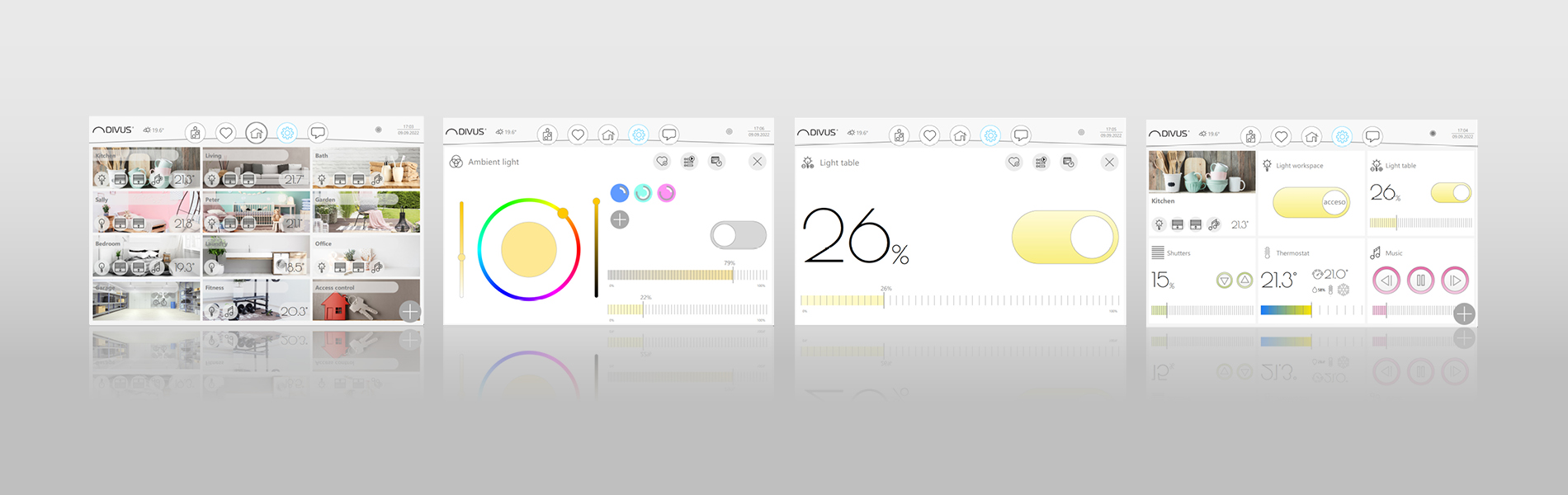
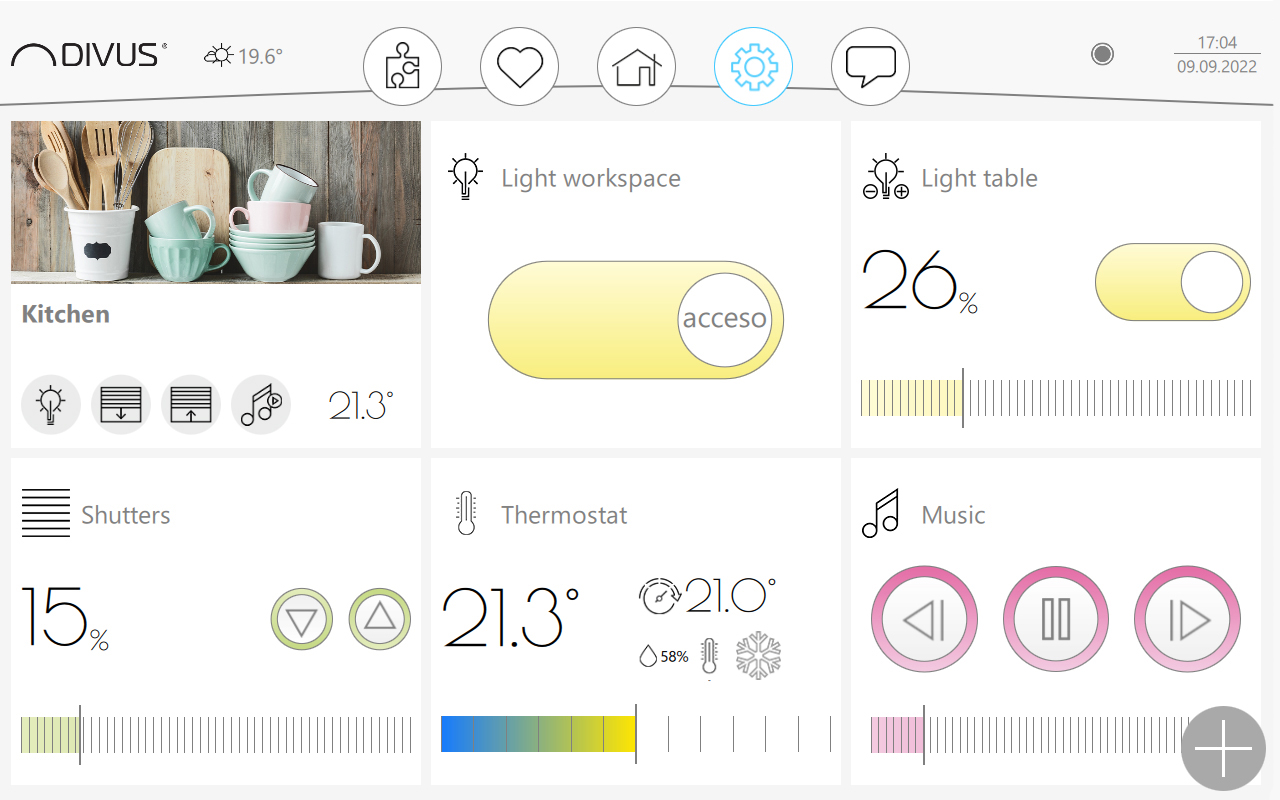
Navigation through the rooms is clearly structured. From the overview view, you can access the respective rooms where you can clearly switch all functions. Operation is via touch with click and swipe gestures. Functions can be grouped into sequences and also automated with timers. This is how your house thinks for you.
Sequences - Atmosphere with a swipe
With sequences, grouped functions can be controlled with a single click. No matter whether it‘s a relaxing afternoon, a cinema atmosphere, a romantic dinner or the typical „ALL OFF“.With sequences, grouped functions can be controlled with a single click. No matter whether it‘s a relaxing afternoon, a cinema atmosphere, a romantic dinner or the typical „ALL OFF“.
The control of the irrigation system can also be controlled by means of sequences. After the start of the sequence, the various valves that control the water supply in the different zones are opened; this is done with a freely adjustable time delay (if necessary also taking into account holidays or seasons) so that the individual zones are watered one after the other. The execution of the sequence can also be coupled with information from a weather station to suspend watering in the event of precipitation, for example.
Of course, you can also add individual light points to group circuits; thanks to the customisable sequences, you can independently combine a wide variety of functions and control them via a single graphic element in the visualisation without having to change anything in the KNX installation.

Lighting - Everything in the right light
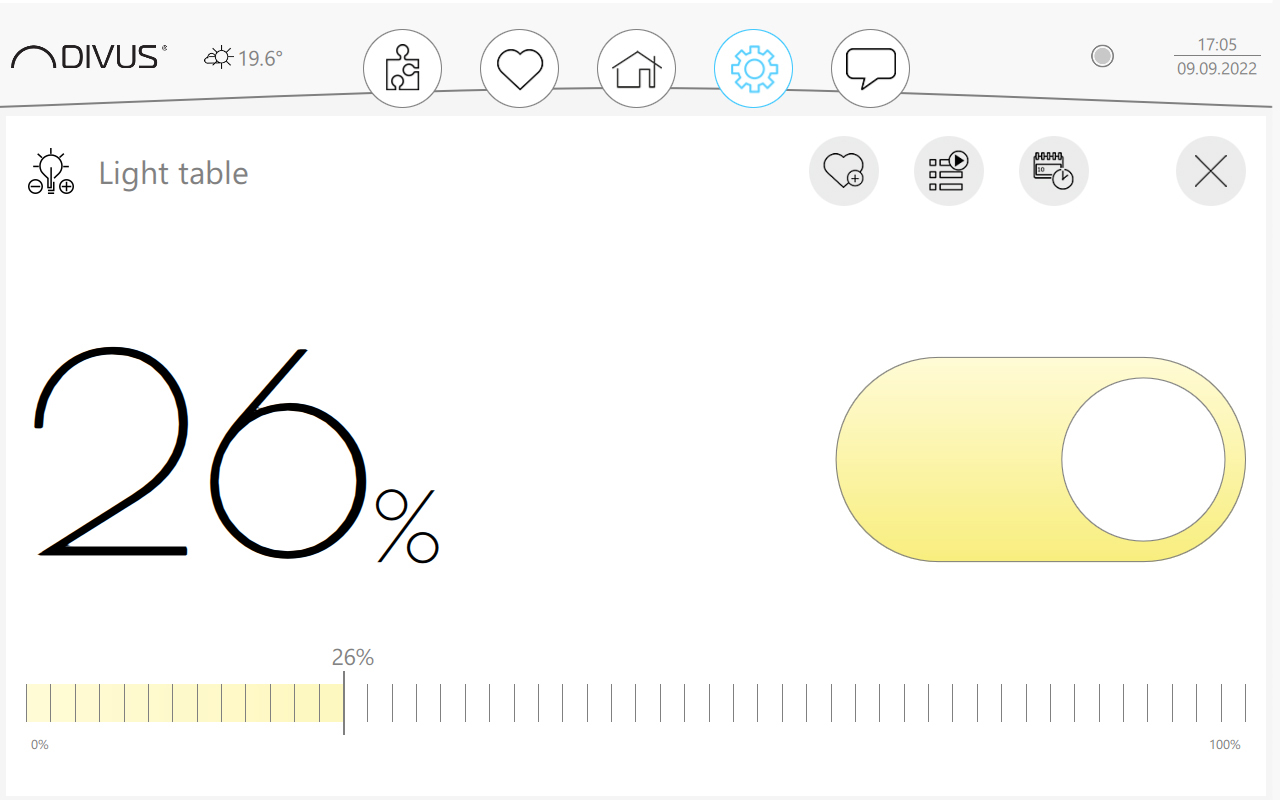
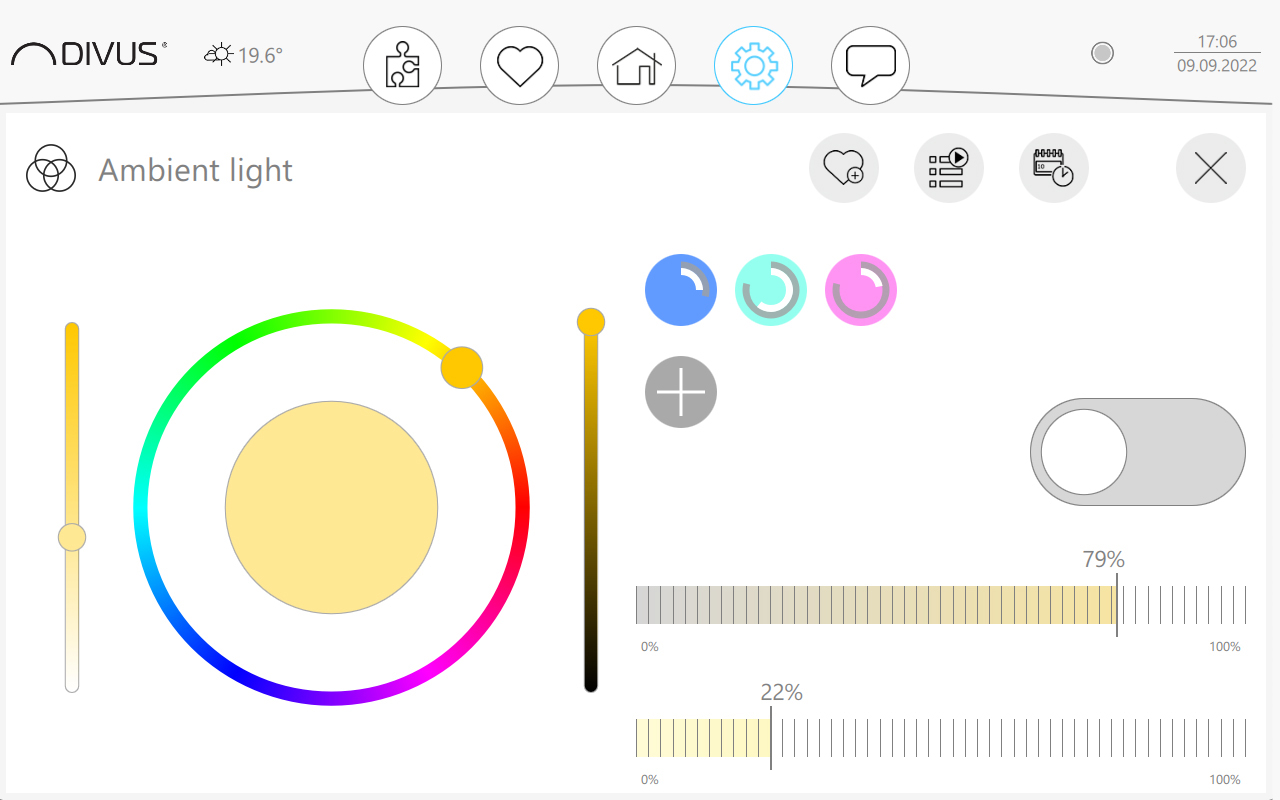
Each individual light point in your building can be controlled quickly and easily via the VISION interface. In addition to ON/OFF actions, dimmers or the RGB colour selection of the light elements can also be carried out.
Via time scheduling, DIVUS VISION takes over the switching when you are not in the house and thus simulates your presence. The flexible calendar planning allows you to define switching operations at specific times, if required also over weeks or months.
Energy - Smart savings
With DIVUS VISION you manage your energy consumption flexibly and easily. The costs and CO2 emissions are thus optimised and clearly displayed.
The KNX IQ Panel is able to communicate with any type of KNX meter. No matter what kind of data - electrical values, gas consumption, water consumption, ... - can be recorded, processed and displayed in graphical form.
The recorded values* are not only used for information, but can also be used to specifically switch individual consumers off or on.
*future development
Heating & cooling - Pleasant indoor climate
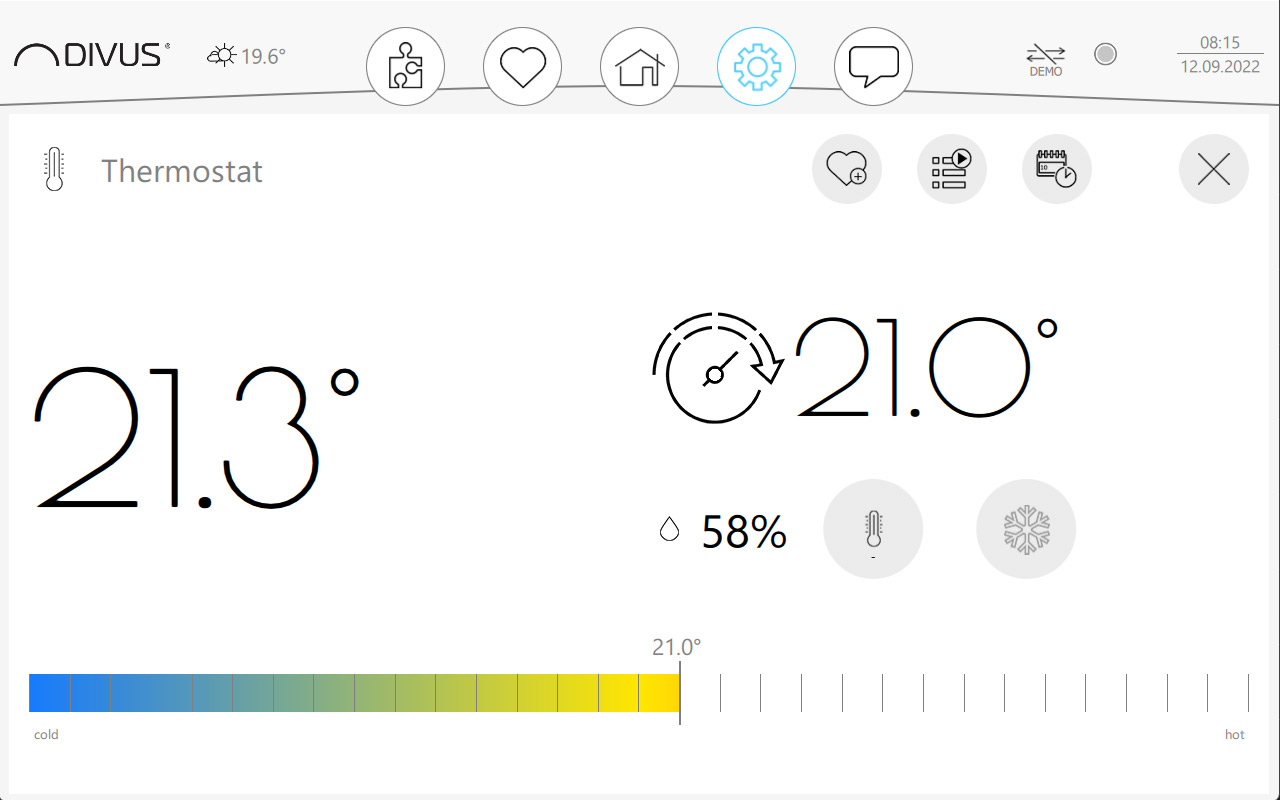
DIVUS VISION can be easily connected to any KNX temperature sensors or room controllers and thus takes over all heating or cooling functions of your building. You get all the parameters needed to control the room temperature: Operating modes, setpoints, fan control.
DIVUS VISION can be easily connected to any KNX temperature sensors or room controllers and thus takes over all heating or cooling functions of your building. You get all the parameters needed to control the room temperature: Operating modes, setpoints, fan control.
With DIVUS VISION, you can time the climate functions and thus set different daily, weekly, monthly and yearly schedules, ensuring that the temperature in your home is comfortable at all times.
Doors & Windows - Reliable guardian
Any motor-controlled doors, windows, blinds, curtains and much more can be easily operated with DIVUS VISION. Blinds and windows can be opened, closed or tilted with pinpoint accuracy. Any motor-controlled doors, windows, blinds, curtains and much more can be easily operated with DIVUS VISION. Blinds and windows can be opened, closed or tilted with pinpoint accuracy. The individual functions can be combined into sequences to increase operating convenience and keep the visualisation clear and clean at all times.